> For the complete documentation index, see [llms.txt](https://doc.xwin.finance/llms.txt). Markdown versions of documentation pages are available by appending `.md` to page URLs; this page is available as [Markdown](https://doc.xwin.finance/user-guide/how-to-connect-wallet.md).
# How to Connect Wallet
To connect to xWIN Finance, add your DEFI wallet to your extension. We recommend you use Google Chrome and MetaMask.
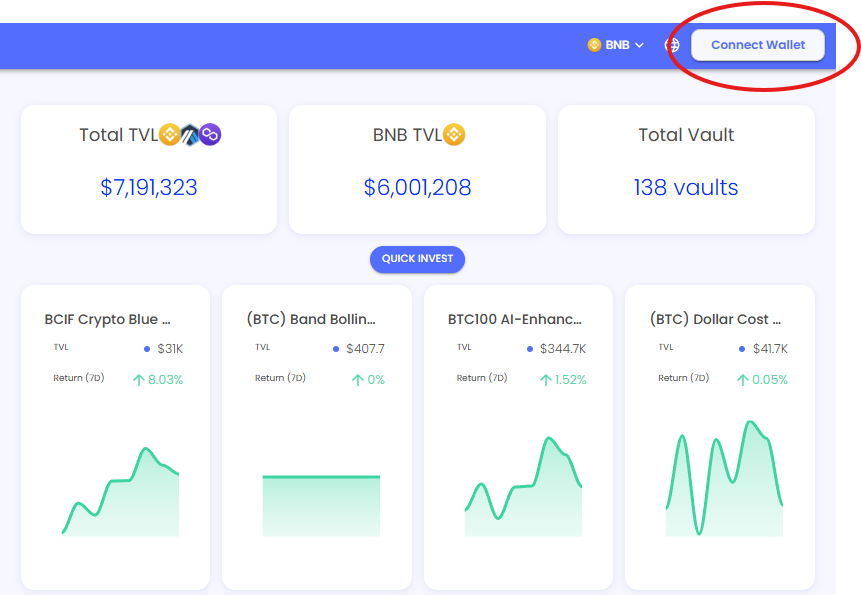
1. Click on Connect Wallet on the top right of xWIN Finance
1. Choose the correct wallet

1. Once you choose the correct wallet, your extension will pop up and will require you to approve the connection.
Once connected you will be able to use many of the features like **My Menu**, invest into funds, and create your own funds.